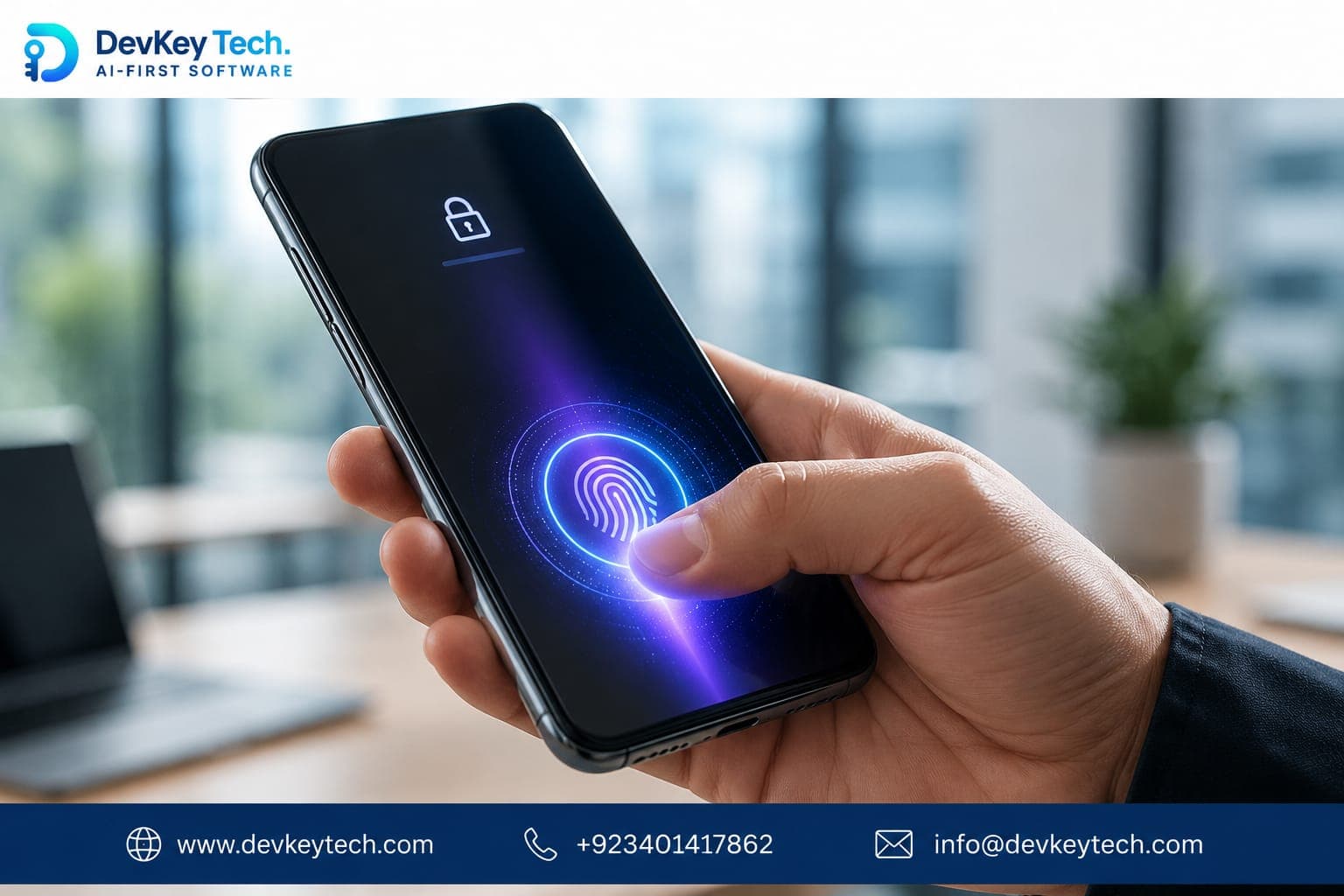
In the competitive mobile app landscape, user retention is the ultimate prize. Many app founders invest heavily in features, marketing, and onboarding, yet often overlook a critical factor that can make or break long-term engagement: the login experience. While biometric login is often touted for its security benefits, its profound impact on user retention is frequently underestimated. Implementing fingerprint, face, or iris recognition can transform a frustrating gateway into a seamless entry point, directly influencing how often and how long users stick with your app.
The Hidden Cost of Login Friction
Consider the typical user journey. They download your app, use it once or twice, and then encounter a login screen. If they can't remember their password, or if typing it feels cumbersome, they might simply abandon the app rather than go through a "forgot password" flow. This friction, however subtle, adds up. Each forgotten password, each mistyped entry, each moment of frustration chips away at user patience and enthusiasm.
Password Fatigue and Its Consequences
- High Barrier to Re-engagement: A complex login process deters casual or infrequent users from returning. If they only use the app occasionally, remembering a strong, unique password for it becomes a chore.
- Increased Churn: Frustration leads to uninstalls. A user who repeatedly struggles with login is far more likely to abandon the app entirely.
- Support Overhead: "Forgot password" requests are a common strain on customer support teams, diverting resources that could be used for more complex issues or feature development.
- Security Risks (Paradoxically): To combat password fatigue, users often resort to weak, easily guessable passwords or reuse passwords across multiple services, increasing their overall security risk.
How Biometric Login Drives Retention
Biometric authentication directly addresses login friction by offering a fast, secure, and intuitive way for users to access your app. This convenience translates directly into stronger retention.
1. Seamless User Experience and Instant Access
The most immediate benefit of biometrics is the unparalleled ease of access. Instead of typing characters, users simply touch a sensor or glance at their device. This instant, effortless login removes a significant barrier to entry, making it more likely that users will open the app for quick tasks or frequent checks. This reduced friction fosters a habit of regular usage.
2. Enhanced Security (Perceived and Real)
While the primary retention benefit is convenience, the security aspect is still crucial. Modern biometric systems, when implemented correctly using device-level security features, are often more secure than typical user-created passwords. This provides users with peace of mind, knowing their data is protected, which further encourages trust and consistent use.
3. Reduced Support Load and Cost Savings
By dramatically decreasing the number of "forgot password" incidents, biometric login frees up your support team to focus on more complex, value-adding inquiries. This not only improves operational efficiency but also enhances the overall user experience by ensuring support is available when truly needed.
4. Increased Engagement and Monetization Opportunities
An app that is easy to access is an app that gets used more often. Increased engagement naturally leads to more opportunities for in-app purchases, ad views, content consumption, or whatever your app's core monetization strategy entails. Biometric login doesn't just keep users; it keeps them active.
Implementing Biometric Login: Key Considerations
Integrating biometric authentication requires careful planning to ensure security, usability, and compliance.
Technical Implementation
Leveraging native platform capabilities is paramount. Both iOS and Android provide robust frameworks for integrating biometrics.
- iOS: Use the Local Authentication framework (
LAContext) to integrate Touch ID and Face ID. These APIs ensure that biometric data is processed securely within the device's secure enclave, never exposed to the app itself. - Android: The Biometric API (
BiometricPrompt) offers a unified way to support fingerprint, face, and other biometrics across different Android versions and device manufacturers. This also relies on hardware-backed security features.
Example of a conceptual biometric authentication flow:
// Pseudocode for initiating biometric prompt
if (biometric_hardware_available_and_enrolled) {
    showBiometricPrompt("Authenticate to access your app");
    onAuthenticationSuccess: {
        // Grant app access using secure token
    }
    onAuthenticationFailure: {
        // Prompt for PIN/password fallback
    }
} else {
    // Revert to traditional login
}
Security Best Practices
A secure implementation is non-negotiable.
- Never Store Raw Biometric Data: Your app should never store, transmit, or have direct access to a user's biometric data. Instead, you interact with the operating system's biometric services, which confirm authentication without revealing the raw data.
- Hardware-Backed Security: Always rely on the device's secure hardware (e.g., Secure Enclave on iOS, Trusted Execution Environment on Android) for biometric processing.
- Secure Token Management: Upon successful biometric authentication, your app should retrieve or refresh a secure, short-lived authentication token from your backend. Biometrics should authenticate the *user to the device*, and the device then uses an existing secure credential (like a stored token or key) to authenticate *to your service*.
- Fallback Authentication: Always provide a strong fallback mechanism (PIN, password, or pattern) for situations where biometrics fail, are unavailable, or the user prefers not to use them.
- User Consent: Clearly inform users about the use of biometrics and obtain their explicit consent. Give them the option to opt-in or out at any time.
User Experience Design
- Clear Prompts: Use simple, understandable language in your biometric prompts. Explain why authentication is needed.
- Optional Integration: Biometrics should always be an opt-in feature. Do not force users to enable it.
- Graceful Error Handling: Provide helpful messages if biometric authentication fails, and guide users to a fallback method.
Challenges and Trade-offs
While highly beneficial, biometric login isn't without its considerations:
- Hardware Dependency: Not all devices support advanced biometrics, or some users may have older devices. A robust fallback is essential.
- Privacy Concerns: Users may have legitimate privacy concerns about using their biometrics. Transparency and choice are key.
- Accessibility: Some users may have conditions that make biometric authentication difficult or impossible. Your fallback must be fully accessible.
Conclusion
Biometric login offers much more than just enhanced security for mobile apps; it's a powerful lever for improving user experience and, crucially, boosting retention. By removing login friction, you make your app more inviting, more convenient, and ultimately, more valuable to your users. For any app aiming for sustained engagement and long-term success, investing in a thoughtful and secure biometric integration is a strategic move that pays dividends well beyond initial expectations.
At DevKey Technologies, we understand the intricate balance between security, usability, and retention. If you're looking to enhance your mobile app with seamless and secure authentication, explore our mobile app development services or contact us to discuss your project.