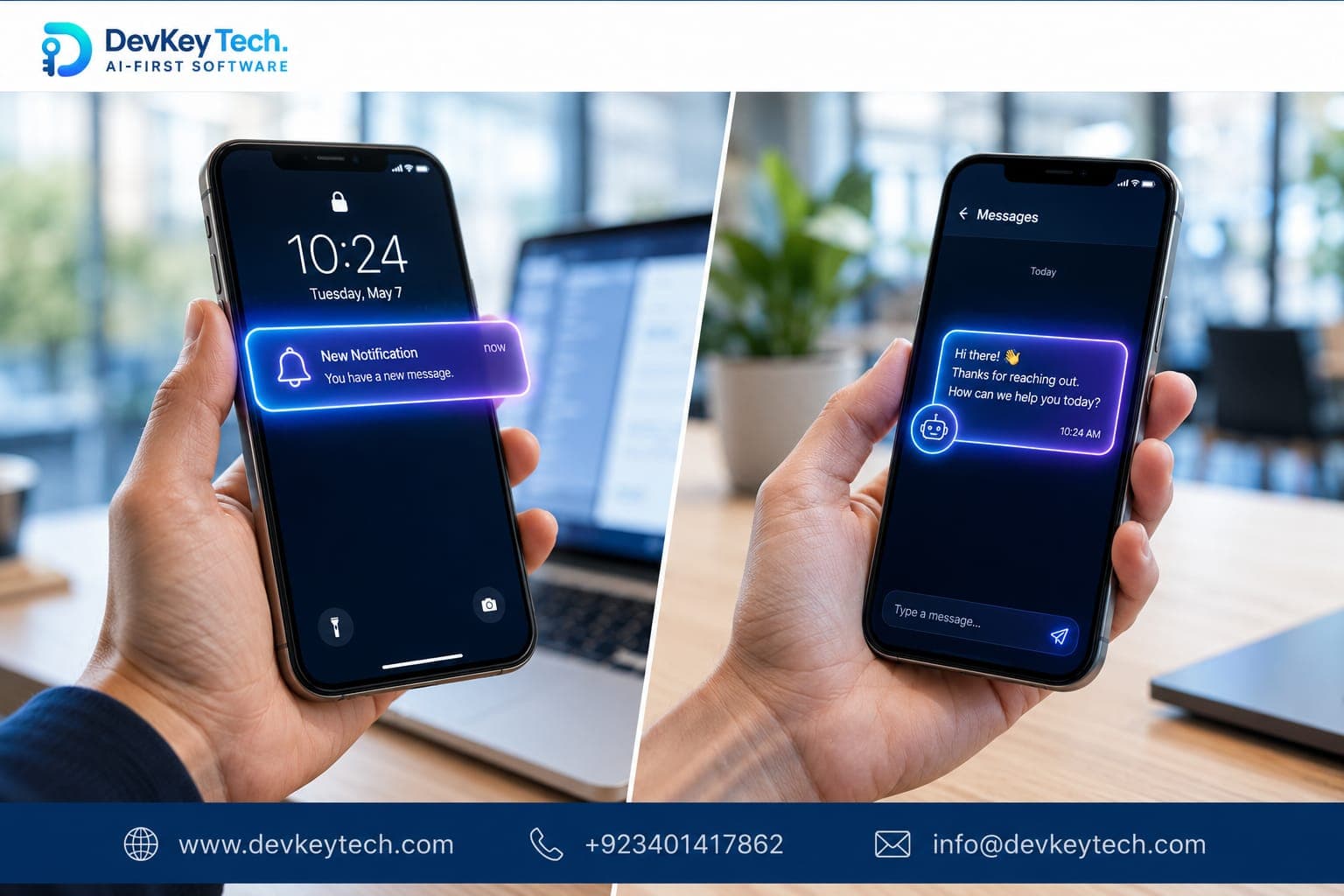
User churn is an inevitable challenge for any application. Users download, engage, and sometimes, for various reasons, they go quiet. The goal isn't just to acquire new users, but critically, to re-engage those who have stopped actively using your app. This article dives into two primary communication channels for this purpose: push notifications and in-app messaging, comparing their strengths, weaknesses, and ultimately, which one is better suited for bringing inactive users back into the fold.
Understanding User Re-engagement
Re-engagement is the process of encouraging dormant or inactive users to return to your application and resume active usage. It's often more cost-effective than acquiring new users, as these individuals have already demonstrated some initial interest by installing your app. Effective re-engagement strategies are crucial for sustaining user retention, improving lifetime value, and ensuring the long-term health of your application's user base.
Push Notifications: The Direct Tap on the Shoulder
Push notifications are messages sent from an application to a user's device, appearing outside of the app itself. They typically display on the lock screen, notification bar, or as a banner alert, even when the app is not actively running.
Strengths for Re-engagement:
- Visibility Outside the App: This is their greatest advantage. Push notifications can reach users who haven't opened your app in days, weeks, or even months, making them ideal for initial activation.
- Immediacy: They are delivered in real-time and demand immediate attention, often with a sound or vibration.
- Deep Linking: A well-crafted push notification can deep link directly to a specific feature, content, or offer within the app, reducing friction for the user's return journey.
Weaknesses for Re-engagement:
- Opt-in Required: Users must explicitly grant permission to receive push notifications. Many users decline, especially if initial messages aren't valuable.
- Intrusive Nature: Because they interrupt the user's current activity, irrelevant or excessive push notifications can be perceived as annoying and lead to users disabling them or uninstalling the app.
- Limited Context: The message content is typically short and concise, offering limited space for detailed explanations or rich media.
- Deliverability Issues: Network issues, device settings, or battery optimization features can sometimes delay or prevent delivery.
When to use push notifications for re-engagement: Ideal for urgent updates, time-sensitive offers, reminding users about incomplete actions (e.g., abandoned carts), or alerting them to new content tailored to their past behavior when they are truly dormant.
In-App Messaging: Conversations Within Context
In-app messages are communications delivered directly within your application interface while the user is actively using it. These can take various forms, such as banners, full-screen interstitials, subtle pop-ups, or dedicated message centers.
Strengths for Re-engagement:
- Highly Contextual: Since the user is already in the app, messages can be tailored precisely to their current activity, past behavior, or specific segment. This reduces intrusiveness and increases relevance.
- Rich Content: In-app messages can support rich media (images, videos), interactive elements, and longer text, allowing for more detailed explanations and engaging experiences.
- No Opt-in Required: As long as the user is in the app, you can deliver these messages without needing prior permission.
- Less Disruptive (if well-designed): When implemented thoughtfully, they feel less interruptive than push notifications because the user has already chosen to engage with your app.
Weaknesses for Re-engagement:
- User Must Be Present: The fundamental limitation is that the user must open the app to see the message. This makes them less effective for the *initial* activation of truly quiet users.
- Can Be Overlooked: If poorly designed or too frequent, they can become background noise or be dismissed without proper consideration.
- Design Dependency: Their effectiveness heavily relies on good UI/UX design to integrate seamlessly and not disrupt the user flow negatively.
When to use in-app messaging for re-engagement: Best for guiding returning users through new features, offering personalized onboarding for long-absent users, collecting feedback, promoting in-app purchases, or celebrating milestones once they've opened the app.
The Critical Distinction: Intent and Presence
The core difference between push notifications and in-app messages for re-engagement lies in user intent and presence. Push notifications are designed to bring a user *back* into the app when they are outside of it. They are the initial spark for a dormant user. If a user hasn't opened your app in weeks, an in-app message won't reach them.
In-app messages, conversely, are for users who have already made the decision to open your app. Their purpose is to enhance the user's experience once they're inside, guiding them, informing them, and ultimately fostering deeper engagement. So, for truly quiet, inactive users, push notifications are the primary tool to initiate their return. Once they are back, in-app messages become invaluable for retaining them and guiding their re-engagement journey.
Think of it this way: Push notifications are like a personalized invitation slipped under the door of someone who hasn't visited in a while. In-app messages are the concierge waiting to greet them once they've walked through the door, ready to show them around and suggest activities.
Crafting Effective Re-engagement Strategies
Neither channel is a silver bullet; their power comes from strategic implementation. Here's how to maximize their impact:
- Segmentation is Non-Negotiable: Don't send generic messages. Segment your inactive users based on their last activity, demographics, past purchases, or feature usage. A user who abandoned a shopping cart needs a different message than one who stopped using a social feature.
- Personalization: Address users by name, reference their past actions, and offer content or features directly relevant to them. Personalization significantly boosts engagement rates.
- Clear Value Proposition: Every message, especially push notifications, must clearly communicate the value of returning. What are they missing? What benefit will they gain by opening the app now?
- Strong Call to Action (CTA): Make it obvious what you want the user to do. Use clear, actionable language in your push notifications and buttons in your in-app messages.
- A/B Testing: Continuously test different message copy, timing, deep links, and offer types to understand what resonates best with your segments.
- Complementary Approach: The most effective strategy often involves using both channels. A push notification can alert a dormant user to a new feature, and once they open the app, an in-app message can provide a quick tutorial or highlight the benefits of that feature.
Consider the user journey. A push notification can bring them back to the app, but an in-app message can then smooth their re-onboarding experience after a long absence.
Making the Right Choice for Your App
For the specific goal of bringing truly quiet users back to your app, push notifications are the initial, indispensable tool. They operate outside the application's boundary and are designed to grab attention. However, once a user has returned, in-app messages become critical for contextual guidance, feature discovery, and sustained engagement, preventing them from going quiet again.
Ultimately, a robust re-engagement strategy involves intelligently combining both push notifications and in-app messaging. Analyze your user data, understand their inactive patterns, and craft a communication flow that leverages the unique strengths of each channel. If you're looking to develop or optimize your application's user re-engagement capabilities, explore our custom software development services or feel free to get in touch to discuss your specific needs.
Investing in thoughtful re-engagement is investing in your app's long-term success.