
Appointment Scheduling SoftwareDevelopment
Let clients pick a slot that really is free, remind them before it, and keep your calendar full without phone tag.
Appointment Scheduling Software Development: what the work involves
Booking by phone call and notebook leads to double bookings, forgotten slots and a receptionist who spends the morning ringing people back. Each missed appointment is an hour of lost capacity, and each clash is an unhappy customer. Scheduling software turns the diary into a shared source of truth that clients and staff both see.
We build scheduling systems around the rules of your business: which staff offer which services, how long each takes, buffer time between visits, working hours, leave and room or equipment limits. Clients choose from genuinely available slots online or on a phone, receive reminders, and can reschedule within your policy. Staff see a clear day view, and a receptionist can still book by hand.
Core features
Service and duration catalogue
Each service has its own length, prep or cleanup buffer and eligible staff, so a long treatment blocks the correct amount of time.
Staff calendars and availability
Working hours, breaks, leave and one-off blocks are set per person, and the free-slot search respects all of them.
Online and walk-in booking
Clients self-book from a web page, while front-desk staff add phone and walk-in bookings to the same calendar without conflict.
Reminders and confirmations
SMS or WhatsApp confirmations and timed reminders go out automatically, with a link to confirm, cancel or reschedule.
Resource and room allocation
Where a booking also needs a room, chair or machine, the system reserves it and prevents two services claiming the same resource.
No-show and cancellation tracking
Missed visits and late cancellations are recorded per client, supporting deposit rules or a reminder policy you choose.
What we get right before launch
Double-booking under concurrency
Two people can click the same slot in the same second. We reserve slots with database-level locking so only one booking succeeds and the other is offered the next option.
Time zones and daylight saving
Teams serving clients in Australia, the US and Pakistan need slots stored in a single reference time and displayed locally. We test edge cases such as clock changes before launch.
Policy on cancellations
Rules about notice, deposits and repeat no-shows vary by trade. We implement the policy you decide on, and keep it visible during booking so there are no surprises at the clinic door.
Tools and technology
- Next.js
- React
- TypeScript
- Node.js
- PostgreSQL
- Prisma
- Redis
- Stripe
- Message queues
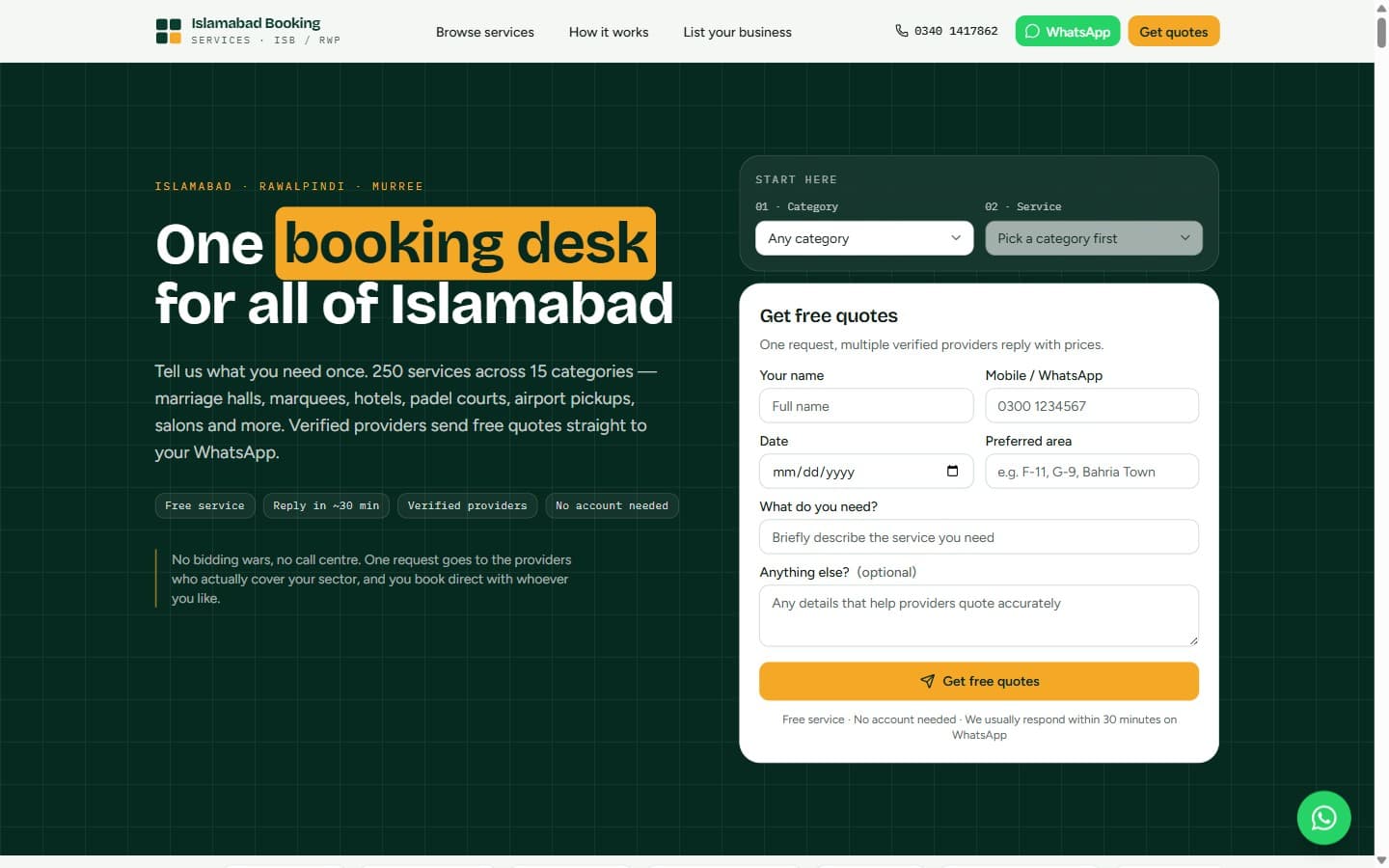
Related work · Local Services Marketplace
Islamabad Booking Services
Tell it what you need once. 250 services across 15 categories — marriage halls, marquees, hotels, padel courts, airport pickups and salons — answered by verified providers with free quotes on WhatsApp.
Common questions, answered
Can clients book without creating an account?
Yes. A guest booking needs only contact details, confirmed by a one-time code. Returning clients can optionally sign in to see history and rebook, and you control which method is required.
Can it take deposits to reduce no-shows?
Deposits can be collected at booking through a card gateway or local wallet where supported, and applied against the final bill. Refund and forfeiture rules follow the cancellation policy you configure.
Can it sync with Google Calendar?
Staff calendars can sync two ways with Google or Outlook, so personal commitments block bookable time. We set this up per practitioner and explain what is shared before enabling it.
What affects the development cost?
Number of staff and locations, resource rules, reminder channels, payment handling and any link to a patient or customer record system. These are agreed in discovery before a fixed quote is issued.
More Custom Business Software services
All Custom Business Software servicesBooking Engine Development
A booking core that holds inventory, prices it by your rules and confirms reservations safely under heavy demand.
Queue Management Software Development
Give every customer a token, call them to the right counter and show managers where the waiting really happens.
Salon Management Software Development
Book stylists without clashes, bill services and products together, track client history and pay staff commission from the same record.
Ready to start your Appointment Scheduling Software Development project?
Tell us what you need and we will come back with a clear scope, timeline and the questions worth answering before any build starts.