
Field Service AppDevelopment
Technicians get the day's jobs, complete a checklist, capture the customer's signature and close the ticket before leaving the site.
Field Service App Development: what the work involves
Service companies, whether installing solar panels or repairing air conditioners, run on a dispatcher's phone. Jobs are assigned by call, technicians report completion by message, and the invoice is prepared days later from memory. Customers ask for an arrival time that nobody can give, and parts used on site are never recorded against the job.
We build the technician app and dispatch console as one system. Dispatchers assign jobs by skill and location; technicians see details, navigate, check in and work through a task checklist with photos before and after. Parts used are logged from van stock, the customer signs on screen and an invoice or job report is produced immediately. Everything works offline and syncs after the technician reaches signal.
Core features
Job dispatch and scheduling
Assign by skill, distance and workload, and re-route when an emergency job appears.
Checklists with photo evidence
Customised task lists per job type, requiring before and after photos to close the ticket.
Parts and van stock
Technicians scan or select parts used, deducting them from their van's stock and adding them to the invoice.
Customer signature and report
On-screen signature and an automatic job report sent to the customer by message or email.
Customer arrival updates
A tracking link and an estimated arrival message, so customers stop calling the office to ask where the technician is.
Recurring maintenance contracts
Annual service plans generate visits automatically, with reminders for the customer and the technician.
What we get right before launch
Offline job closure
Basements and rural sites lose signal. The app must let a technician finish, sign and queue a job, then upload photos later without losing anything or duplicating the invoice.
Technician tracking boundaries
Location during a job helps dispatch but can feel intrusive. We limit tracking to work hours with a visible indicator, matching background-location rules on both stores.
Parts and cash handling
Spares and on-site payments leak when they are not recorded. Van stock counts, parts-per-job reports and cash receipts reconciled at day end make leakage visible.
Tools and technology
- Flutter
- React Native
- SQLite
- Node.js
- PostgreSQL
- Google Maps Platform
- Firebase Storage
- Firebase Cloud Messaging
- Sentry
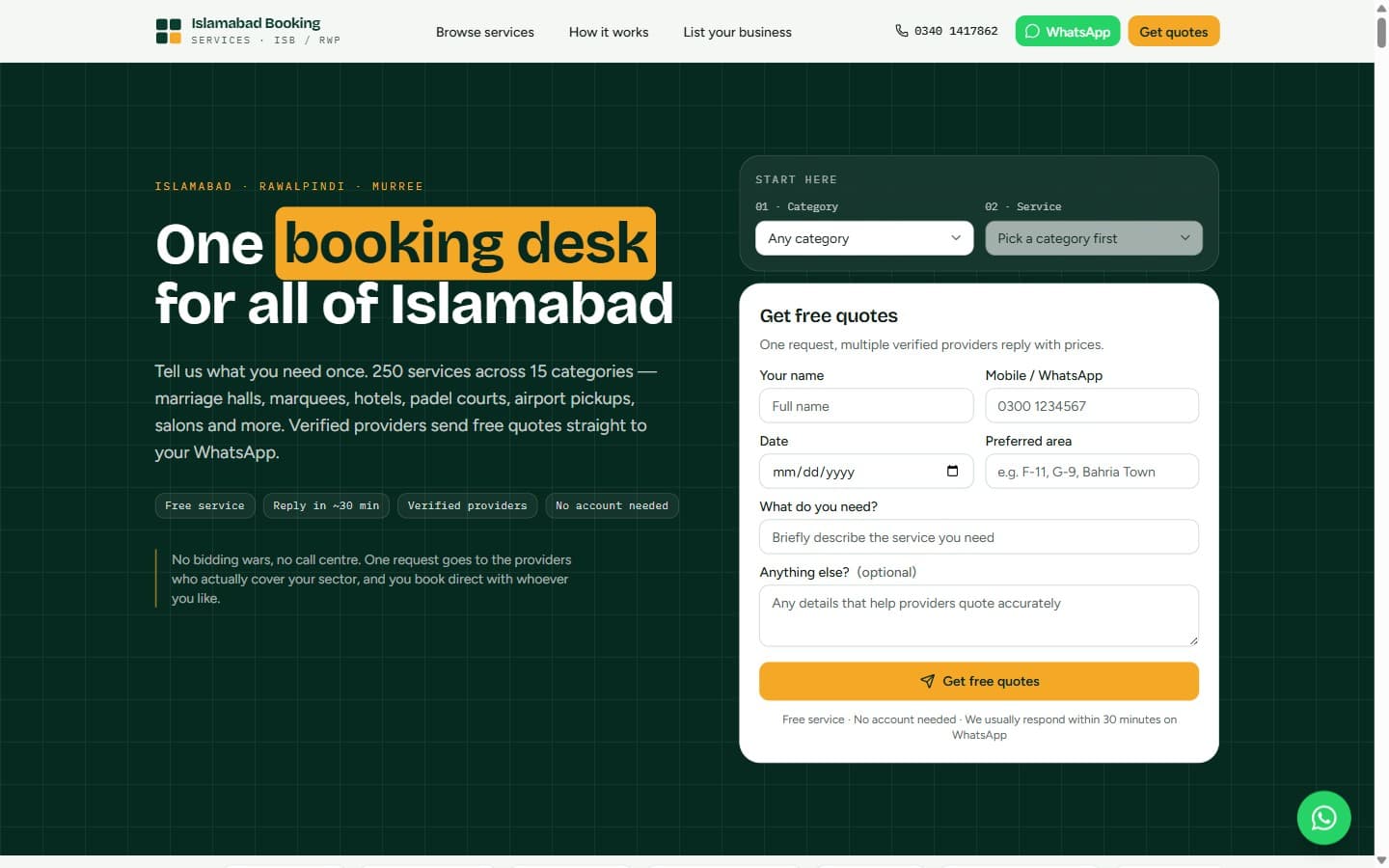
Related work · Local Services Marketplace
Islamabad Booking Services
Tell it what you need once. 250 services across 15 categories — marriage halls, marquees, hotels, padel courts, airport pickups and salons — answered by verified providers with free quotes on WhatsApp.
Common questions, answered
Can technicians work with no internet at the site?
Yes. Jobs, checklists and customer details are stored on the phone, and photos and signatures are queued for upload. The job closes locally and syncs later, keeping the order of events intact.
Can customers see where the technician is?
Yes, through a link that shows an estimated arrival and, once the technician is on the way, live position. It switches off when the job starts, so tracking is limited to the approach.
Does it produce invoices?
It produces a job report and an invoice from the labour and parts recorded. It can export to your accounting package or send a payment link, and cash received on site is logged against the technician.
Can we use it for maintenance contracts?
Yes. Contracts define the visit frequency and checklist, the system schedules each visit, and reports show what was inspected so customers see value from the annual fee.
More Mobile App Development services
All Mobile App Development servicesHome Services Booking App Development
A home-services app that connects households with vetted plumbers, electricians and cleaners, and keeps both sides honest on price and punctuality.
CRM App Development
A mobile CRM that sales reps will actually use: add a lead in seconds, log a call in one tap and never miss a follow-up.
Attendance App Development
Staff check in from their phone with location and a selfie, and HR gets clean attendance sheets instead of arguments about who was present.
Ready to start your Field Service App Development project?
Tell us what you need and we will come back with a clear scope, timeline and the questions worth answering before any build starts.